 Official Microsoft Store · Windows 10 & 11


Quick Play
Resume recent single-player worlds and servers straight from the launcher: no extra clicks in-game.
Official Microsoft Store · Windows 10 & 11
The official launcher runs Java, Bedrock, Dungeons, and Legends from one Microsoft account. Here you get safe download links, install steps, and fixes when verify or launch fails.
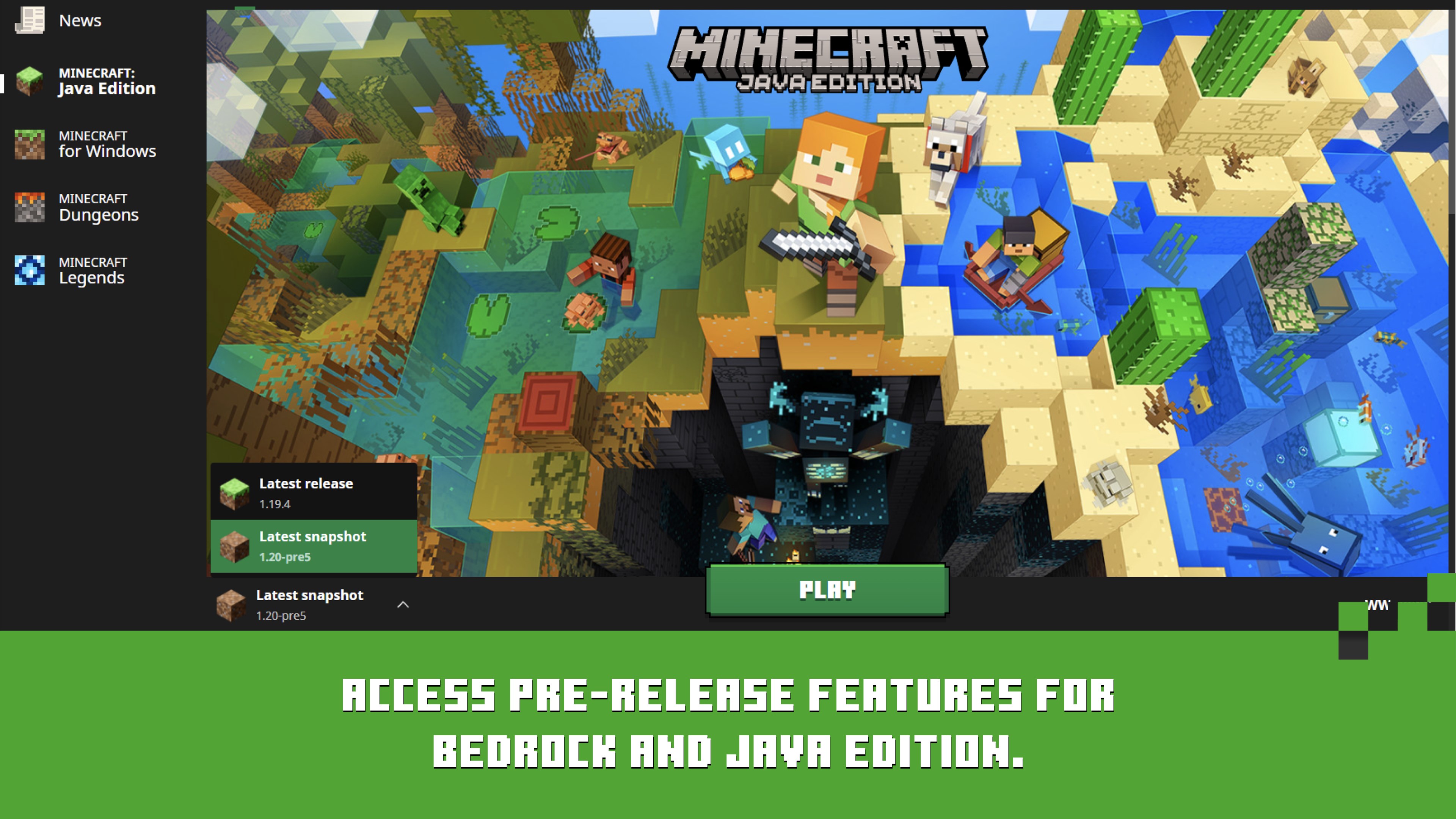
The Minecraft Launcher is Microsoft's official desktop app to install, update, and launch Minecraft Java Edition, Bedrock Edition, Minecraft Dungeons, and Minecraft Legends using one Microsoft account.
minecraftlauncher.io is an independent guide site. We link only to Microsoft Store and minecraft.net, write step-by-step guides you can follow without forum digging, and document real error fixes. We do not distribute installers or modified game files.
Pick the path that matches your goal: install the launcher, learn a feature, view official UI screenshots, or fix a specific error.
Microsoft Store link, system requirements, and clean reinstall steps.
Quick Play, installations, news feed, controller support, and snapshots.
Java vs Bedrock, profile management, and version switching workflows.
Verify errors, connection failures, crashes, and launch issues.
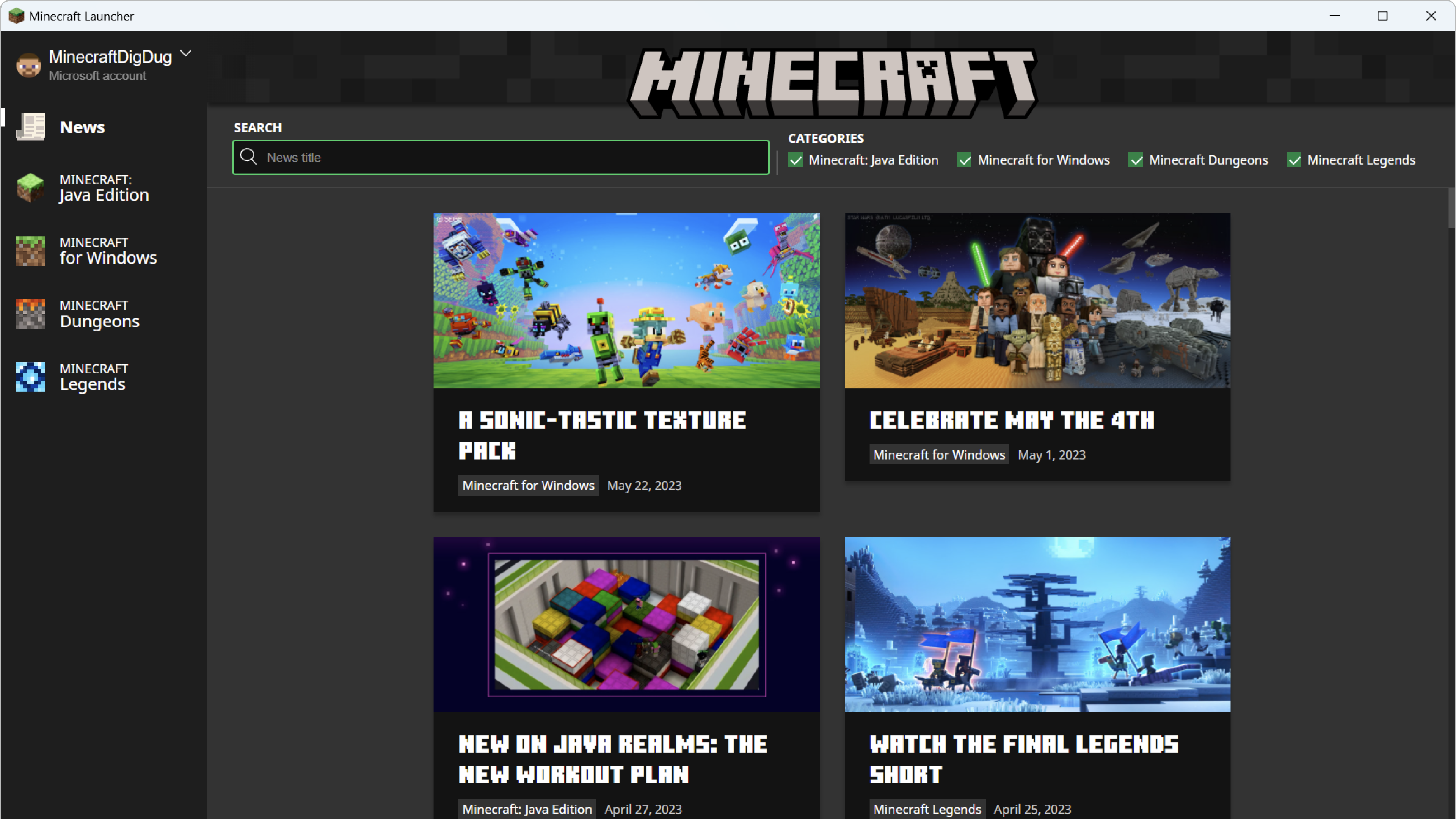
One launcher app lists every Mojang PC title your account owns. You switch games from the left sidebar without installing separate launchers for each edition.
The modern launcher replaces scattered installs with a single control center for editions, updates, and account sync.
Core launcher capabilities that matter whether you hop in casually or run modded profiles.
Resume recent single-player worlds and servers straight from the launcher: no extra clicks in-game.
Isolated profiles for stable releases, snapshots, Forge/Fabric runtimes, and custom JVM memory.
Full mod ecosystem, community servers, and cross-platform play on Windows, macOS, and Linux.
Marketplace add-ons, cross-play with console and mobile, and smoother mainstream multiplayer.
Patch notes, events, and category filters surfaced directly inside the launcher interface.
Language controls, launcher behavior, and update visibility from Settings → About.
Both editions live in one launcher. Choose based on how you play, not which app to install.
A clear path from first download to your first world: or your hundredth modded profile.
Get the launcher from Microsoft Store or minecraft.net. Avoid third-party mirrors that bundle unwanted software.
Connect your Microsoft account. The launcher checks entitlements for Java, Bedrock, Dungeons, and Legends automatically.
Set up installations, tune memory, enable snapshots, then hit Play or use Quick Play for instant access.
Each guide below targets one launcher failure: ownership verify, service connection, silent Play button, or crash during sign-in. Open the guide that matches your exact message.
Ownership checks fail when Gaming Services or account sync drifts out of date.
Open fix guide →DNS, VPN, firewall, or Xbox component issues blocking launcher endpoints.
Open fix guide →Play button unresponsive: repair flow, profile checks, and driver validation.
Open fix guide →Store and Xbox auth instability with a clean re-sync procedure.
Open fix guide →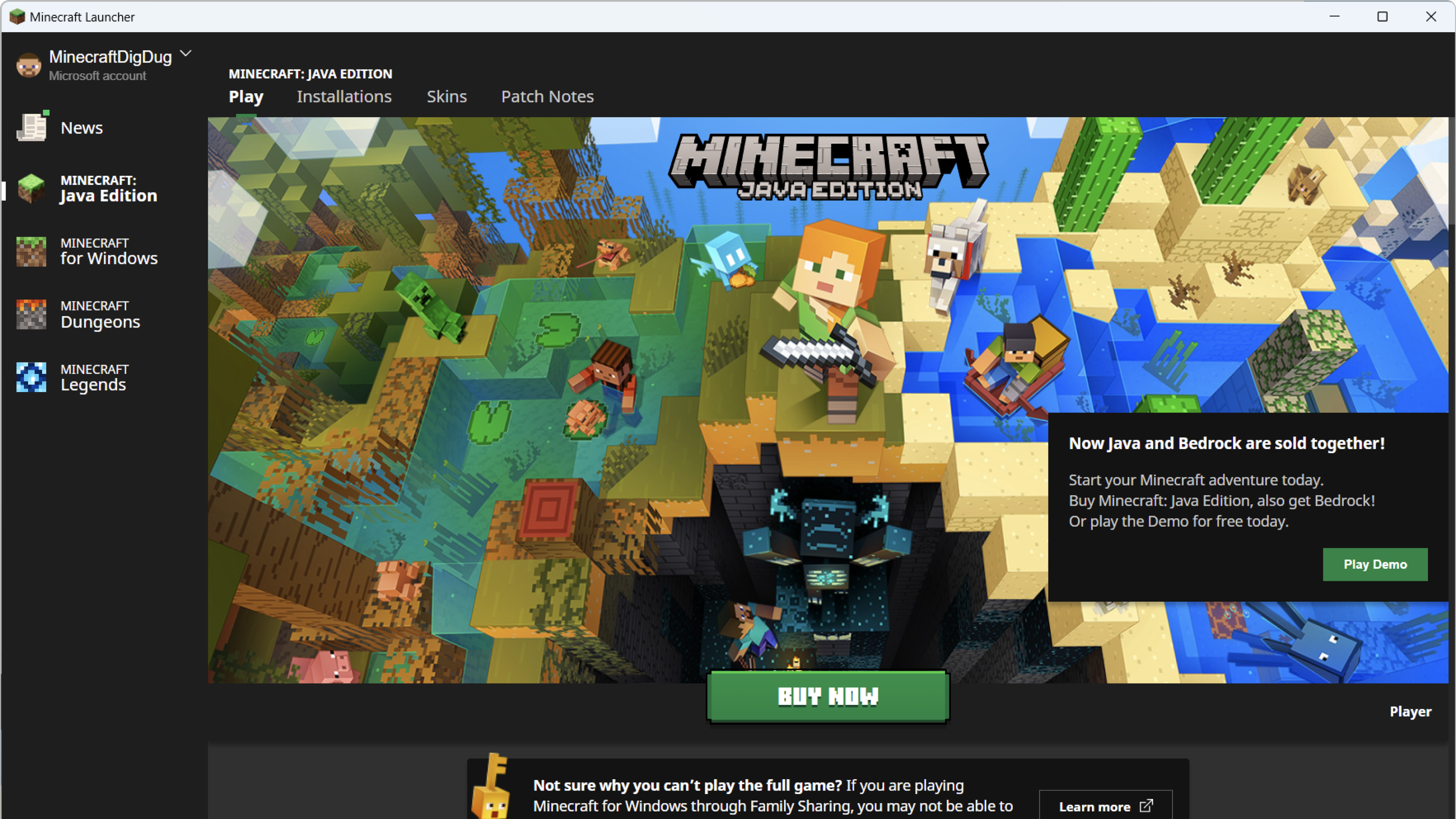
Quick Play surfaces your most recent single-player worlds and multiplayer servers on the launcher home screen. No digging through in-game menus after every session.
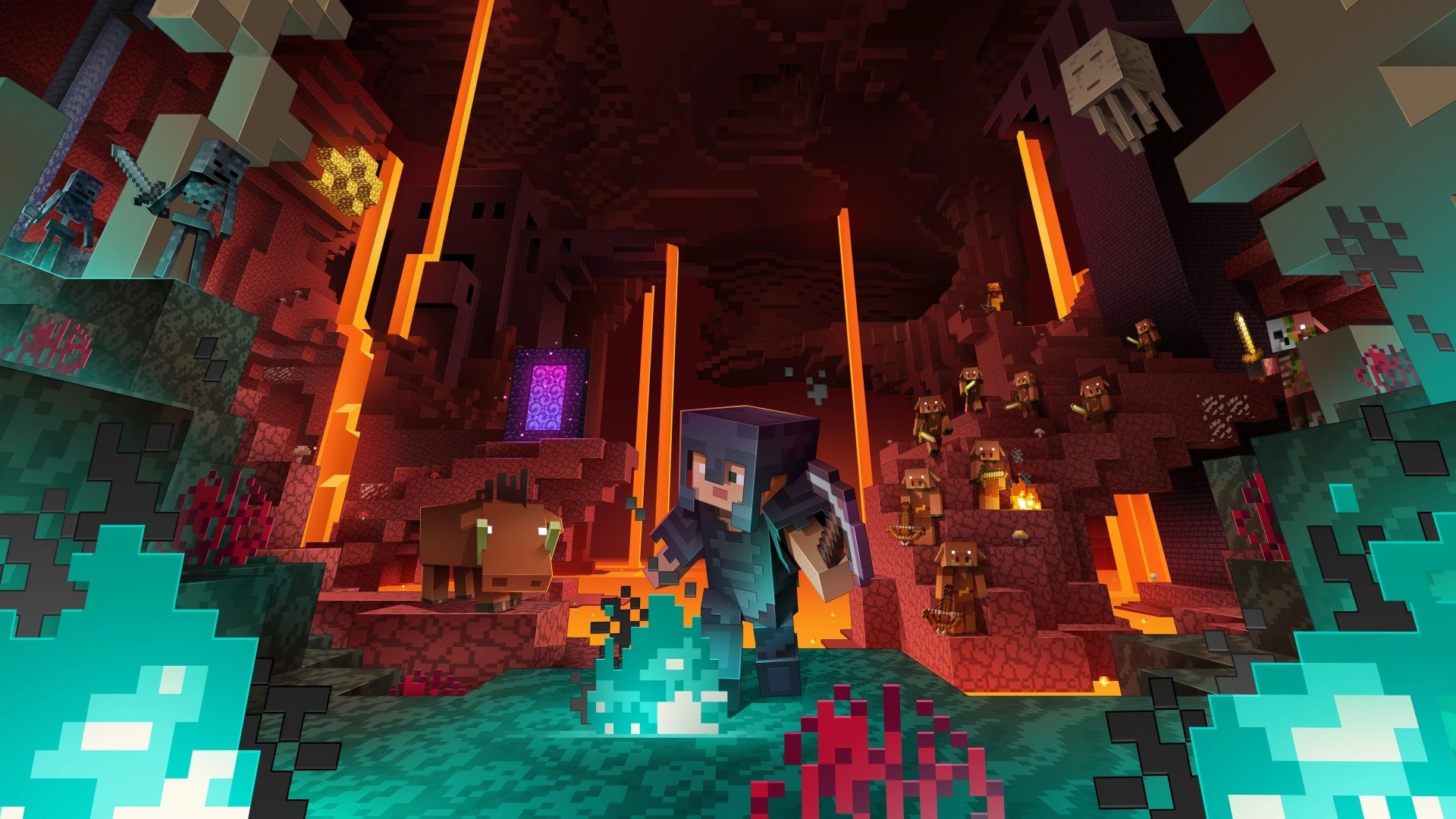
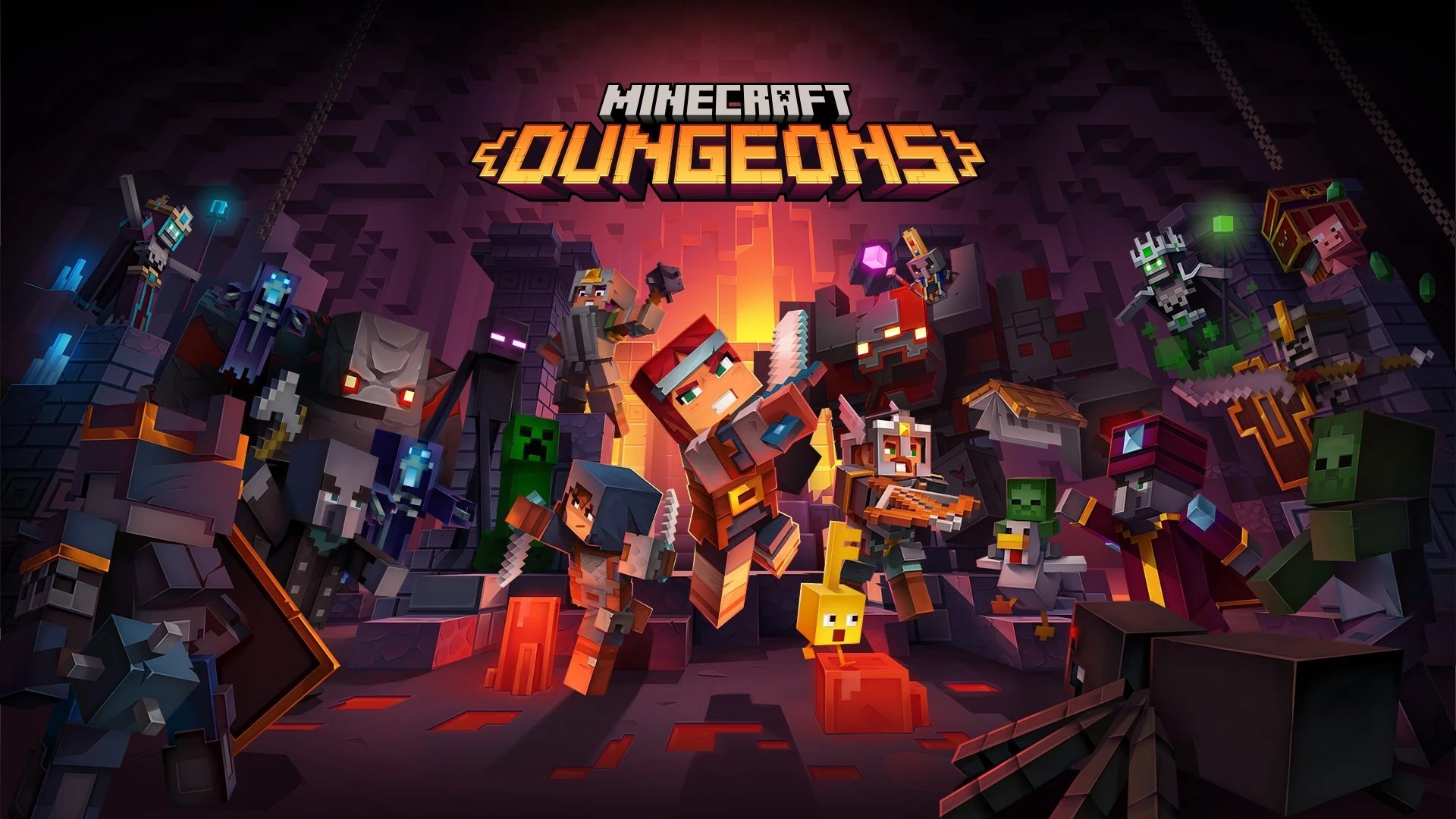
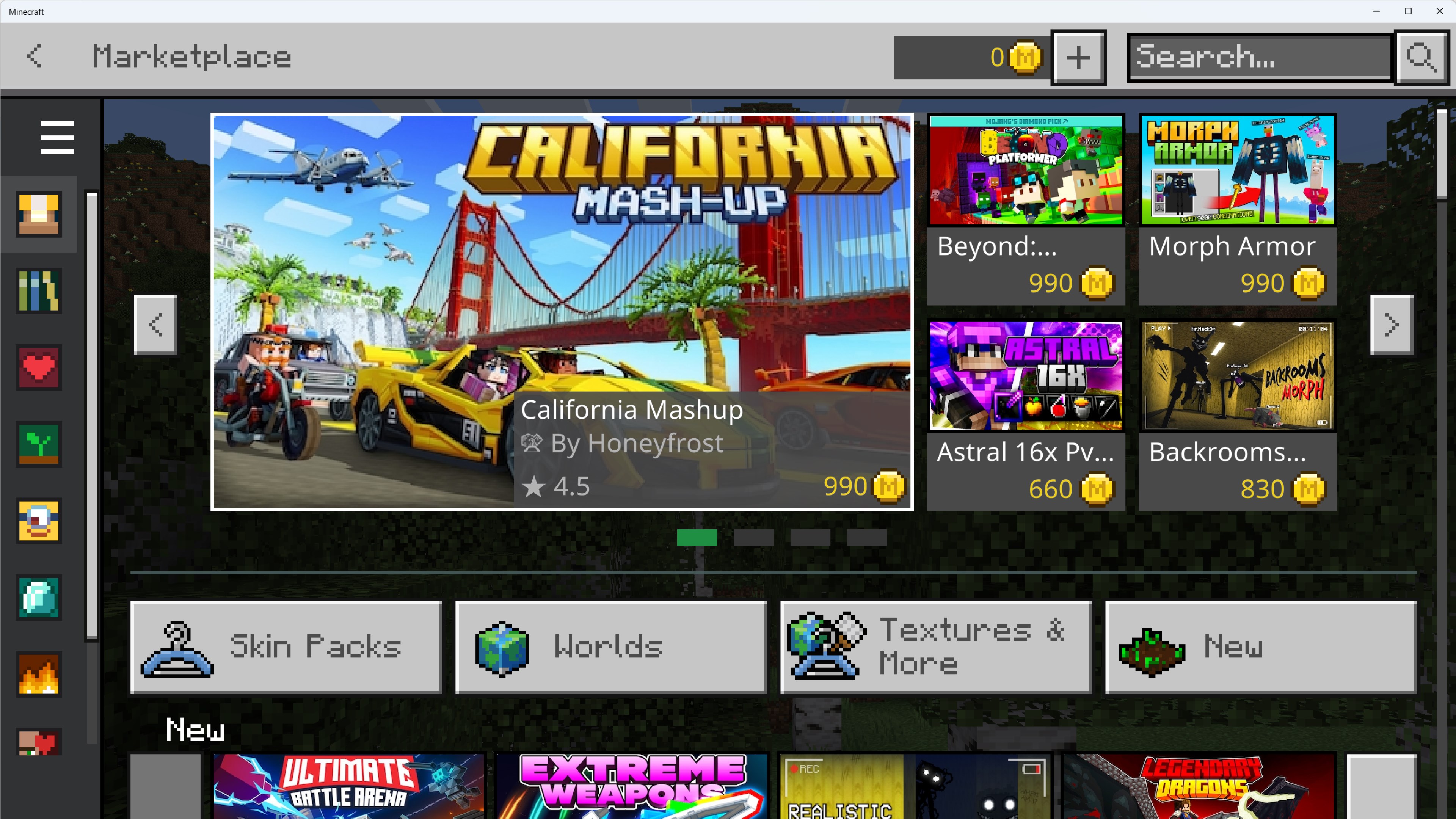
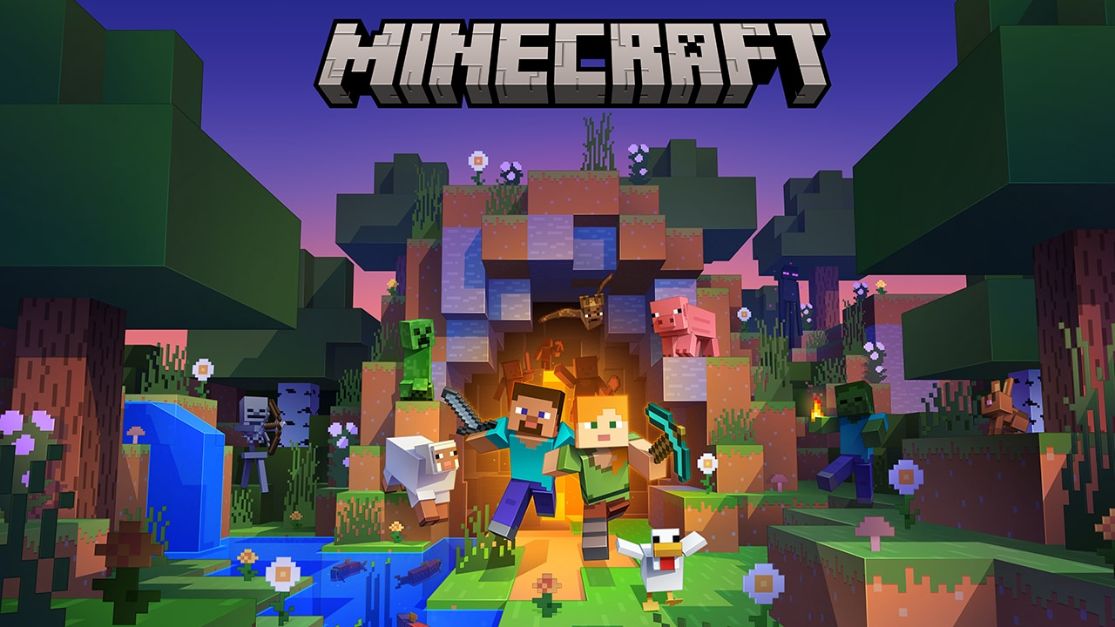
Mojang promotional key art plus Microsoft Store launcher captures. We do not host gameplay rips or unofficial packs.
Quick answers: full FAQ has 18+ entries.
Always use the Microsoft Store or minecraft.net/download. Third-party sites may bundle malware or outdated builds.
Yes. The unified launcher manages Java Edition, Bedrock Edition, Minecraft Dungeons, and Minecraft Legends based on what your Microsoft account owns.
Usually an account or Gaming Services sync issue. See our verify products fix guide for the full recovery flow.
A launcher feature that lists your recent worlds and servers so you can jump back in without navigating in-game menus. Read our Quick Play guide.
Player-reported workarounds, labeled as community stories rather than lab tests.
Repeatable recovery when ownership checks fail after account sync drift.
Public resolver migration stabilized launcher sign-in endpoints.
When stale profiles force repeated Java identity prompts.
minecraftlauncher.io Editorial Team maintains this independent resource. We are not affiliated with Mojang Studios or Microsoft Corporation.
. Pages cite Minecraft Help and official download URLs. We do not host launcher files.
Download the official launcher, keep it healthy with our guides, and fix failures with structured playbooks instead of random forum advice.