
System requirements: launcher vs game
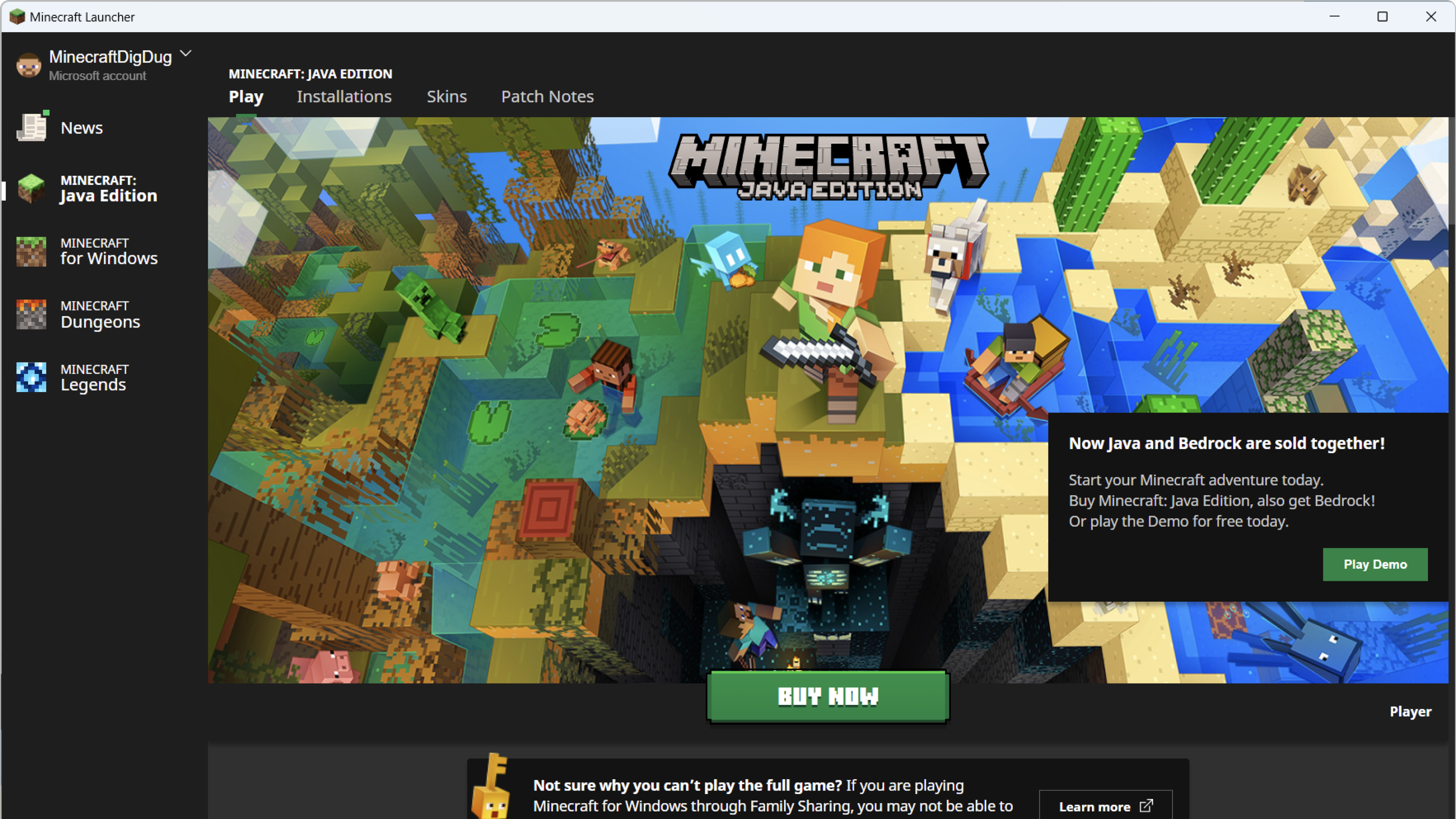
The launcher is a small app. Playable FPS, RAM, and GPU needs belong to the edition you launch. Mojang updates those numbers. We do not keep a copied spec sheet here because it goes stale and then misleads buyers.
Check the current Java and Bedrock tables on Mojang’s own pages before you buy hardware. If the launcher installs but a game will not start, that is usually a game, GPU, or profile problem, not a missing “launcher RAM” setting. See the install and reinstall guide for backups, and game won’t launch if Play does nothing.
Safety checks before you click
- Publisher should be Mojang / Microsoft, not a lookalike name.
- URL should be xbox.com / microsoft.com Store, or minecraft.net. Not a shorten.er dump of “setup.exe”.
- The launcher does not bypass paying for Minecraft. A cracked launcher is malware until proven otherwise.
Need a reinstall, not a first download?
Back up Java worlds in %appdata%\.minecraft\saves before you uninstall. Then follow the install and reinstall guide, including the official steps for removing the old Unified Launcher if both apps are installed.